User Role Editor

User Role Editor WordPress plugin by Vladimir Garagulya allows you to change user roles and capabilities easy.

Just turn on check boxes of capabilities you wish to add to the selected role and click “Update” button to save your changes. It’s as simple as that.

Add new roles and customise its capabilities according to your needs, from scratch or as a copy of other existing roles.
An unnecessary self-made role can be deleted if there are no users whom such role is assigned and the default role assigned to every newly created user can also been changed.

Capabilities could be assigned on per user basis. Multiple roles could be assigned to a user simultaneously and Multi-site support is provided.

Check out the plugin site here.
NextGEN Gallery

Creating and Managing a Gallery

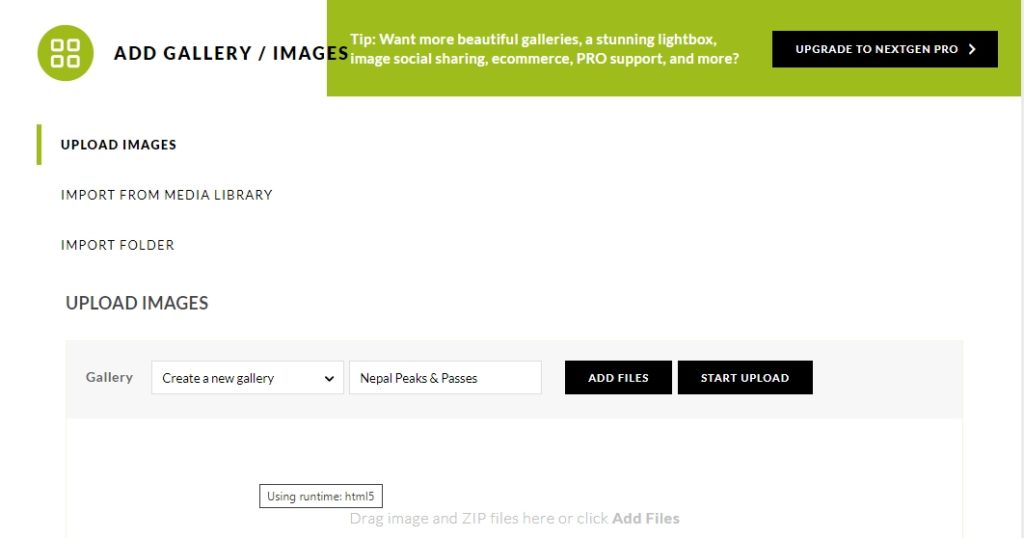
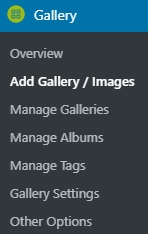
Log into WordPress and click on add / gallery images

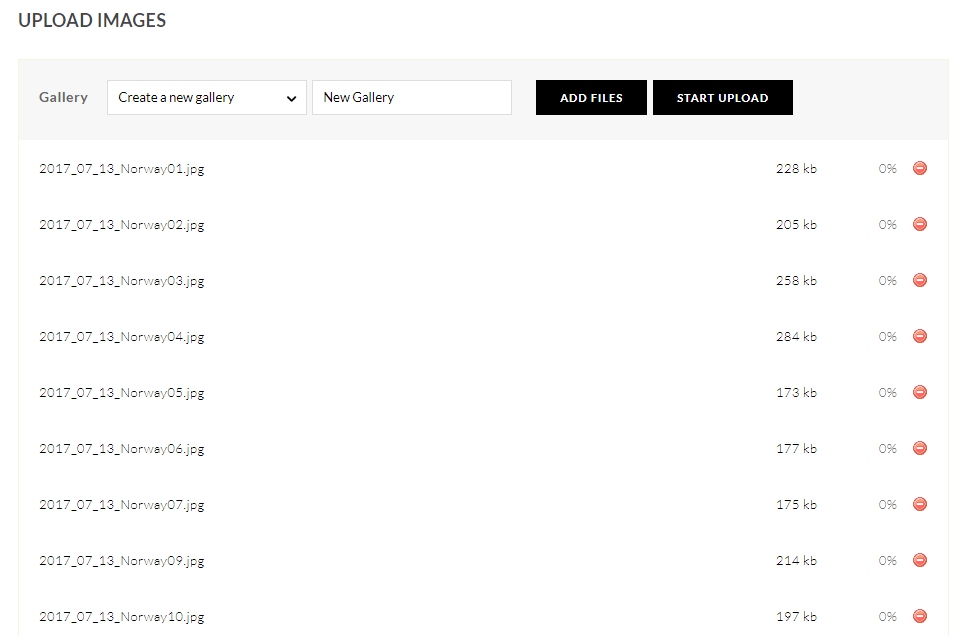
This page opens

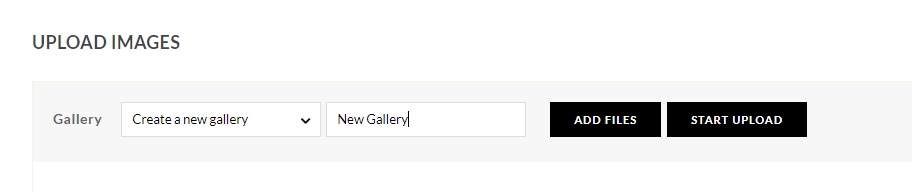
Type in the New Gallery name: ‘New Gallery’

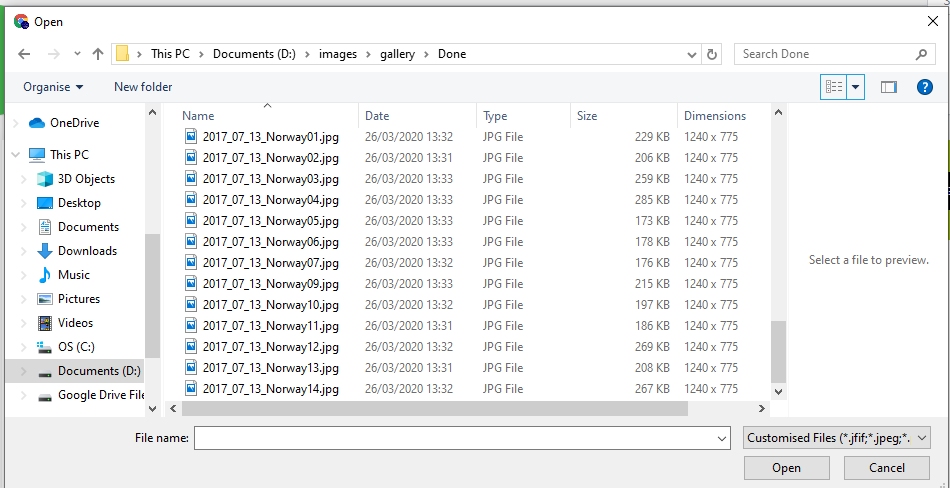
And click ADD FILES

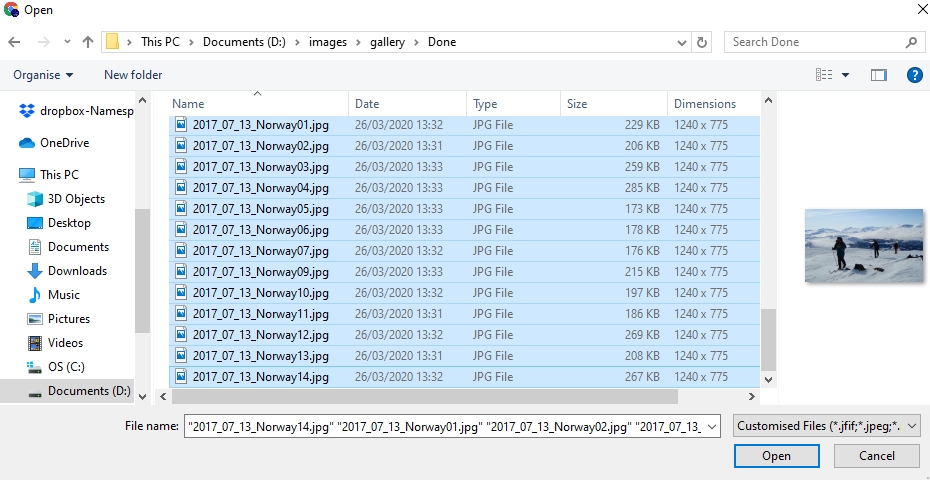
Multiple files can be selected by using CTRL and left click

Note files are numbered starting 01, the display order is based on file name.

Select ‘Open‘

Select START UPLOAD

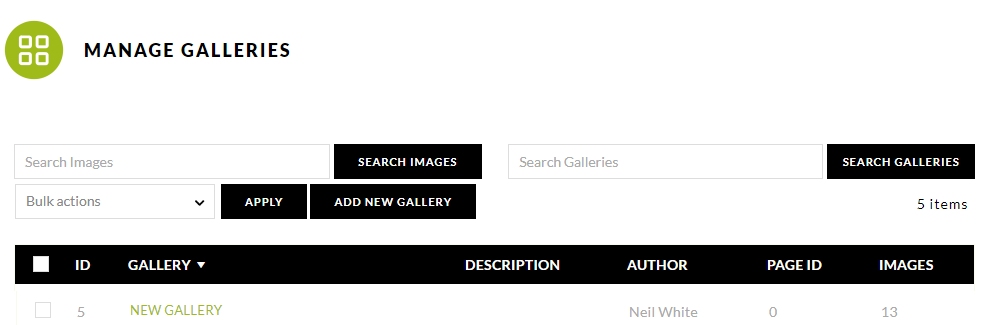
The files upload and you are redirected to the MANAGE GALLERIES Page

Now go to ‘pages’.

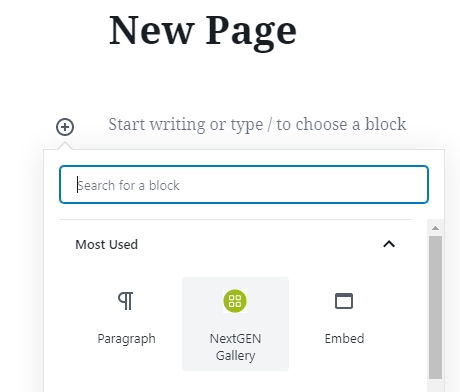
Create a New Page title that page and add a New Block

Select NextGen Gallery

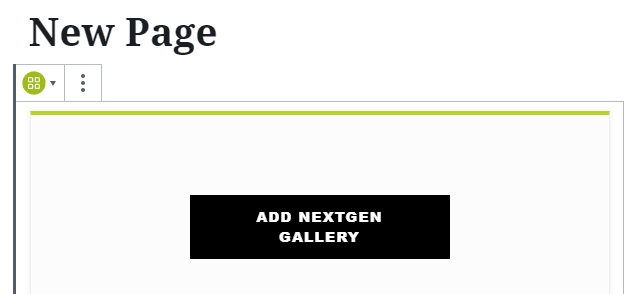
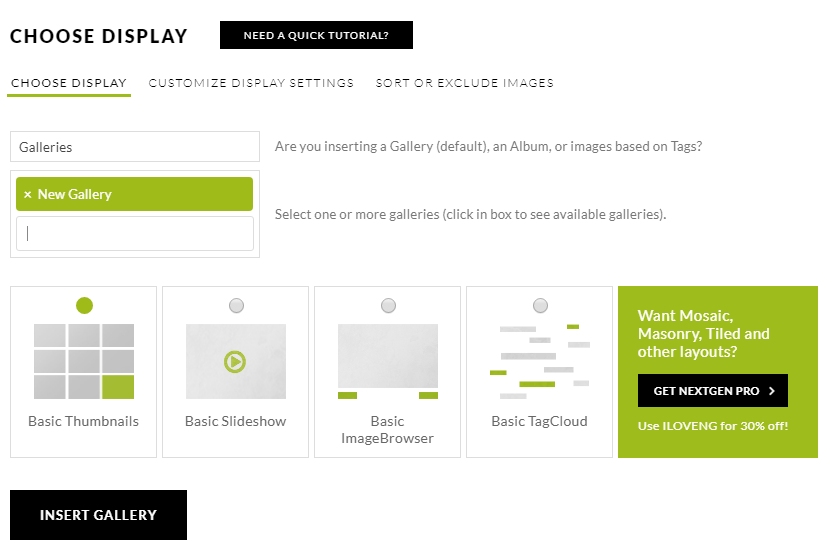
Select ADD NEXTGEN GALLERY

INSERT GALLERY – Publish the page and the job is done.

NOTE: Depending on theme, if you want a link to be displayed on your front page, you may need to:

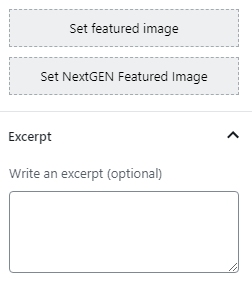
N.B. Set featured image requires a separate upload to Media Library / Set NextGEN Featured image allows you to choose one of your uploaded images.

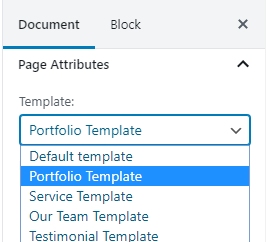
Set a featured image and write an excerpt and choose a Template.